
Bilingual Teleprompter: Reach a Global Audience
In an increasingly connected world, producing content in only one language limits your potential. PromptNinja's bilingual mode was designed for creators who want to expand their boundaries and speak to the world.
In this guide, you'll discover how our exclusive tool facilitates simultaneous translation and recording videos in multiple languages. Whether you're a language teacher using the "Shadowing" technique, an executive preparing an international presentation, or a YouTuber creating dubbed versions of your content, PromptNinja offers the stability and clarity needed. Explore our side-by-side script features, special character support, and instant translation to ensure your message is understood anywhere on the planet, all for free and intuitively.

Polyglot's Secret: Shadowing
Shadowing is a technique used by spies and diplomats. It consists of listening to a native speaker and repeating aloud *simultaneously*, with just milliseconds of delay.
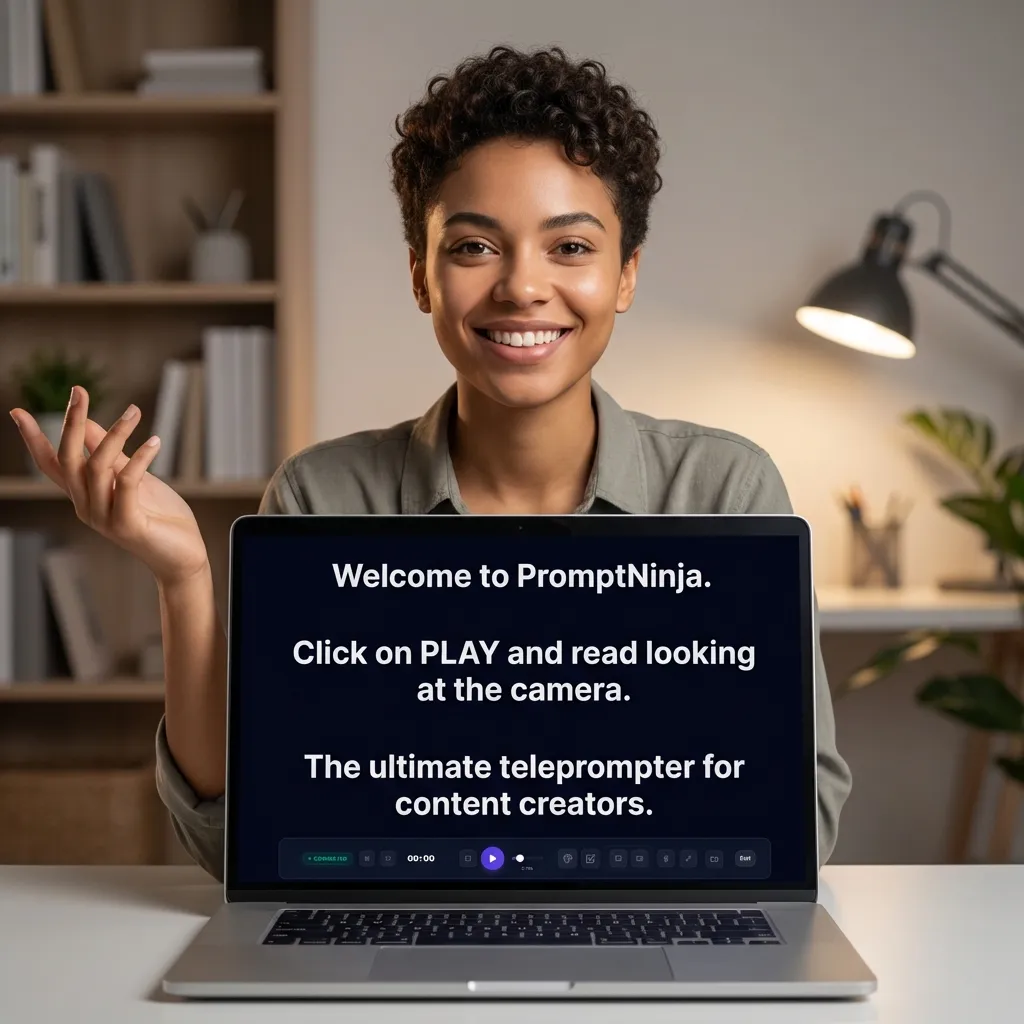
PromptNinja is the perfect tool for this. You paste the audio transcript, adjust speed to match native speech, and read along.
How to Use Bilingual Mode for Study
O que você vai precisar:
Ferramentas
- PromptNinja
- Original Audio (Podcast/YouTube)
1. Find Material
2. Visual Formatting
3. Sync
4. Speak Up
Go Global with Your Message
Break language barriers and speak to millions. Start your bilingual production today.
Start Free Global Script