
What is a Teleprompter? Complete Guide for Beginners and Professionals
Understand how the tool that revolutionized public speaking and video production works. Discover the technology behind the teleprompter and how to use it to shine.
In this exhaustive guide, we unveil all the secrets of the teleprompter, from its origin in the early days of television to its digital modernization with PromptNinja. Learn why news anchors, great leaders, and successful YouTubers never record without a script flowing before their eyes. We explore the physical operation of the beam splitter glass, natural reading techniques, and how you can transform any device into a professional teleprompter for free. Master the art of maintaining perfect eye contact with your audience and broadcast your message with unwavering authority and fluidity.
Why is the Teleprompter Revolutionary?
- 👁️Maintains Eye ContactThe teleprompter allows the text to flow exactly in front of the camera lens, ensuring total connection.
- 🎯Ensures Absolute PrecisionIdeal for speeches where every word matters, such as official statements and sales scripts.
- 💪Increases ConfidenceRemove the anxiety of "blank" moments and focus on your performance and intonation during recording.
- ⚡Speeds Up ProductionFewer errors mean fewer re-recordings. Save time and productivity in your daily life.
How the Magic Works (The Mirror)
Magic is in a special glass called "Beam Splitter".
- One side (audience/camera) is transparent 🪟.
- Other side (presenter) is a mirror 🪞.
This allows a screen on floor to reflect text onto glass. Presenter reads reflection, but camera films through transparent glass without acting the text. Result: Presenter looks directly into lens eyes while reading.

1950: The Paper Roll
First teleprompter (used in series The First Hundred Years) was literally a motorized butcher paper roll, operated by someone turning a crank. If actor spoke too fast, operator had to crank faster!
1952: Eisenhower and Politics
Dwight Eisenhower was first US President to use TP in campaign. He realized looking at audience (via camera) conveyed much more sincerity than reading speeches on table. Since then, no politician lives without one.
Experience the "Magic" of the Teleprompter Today!
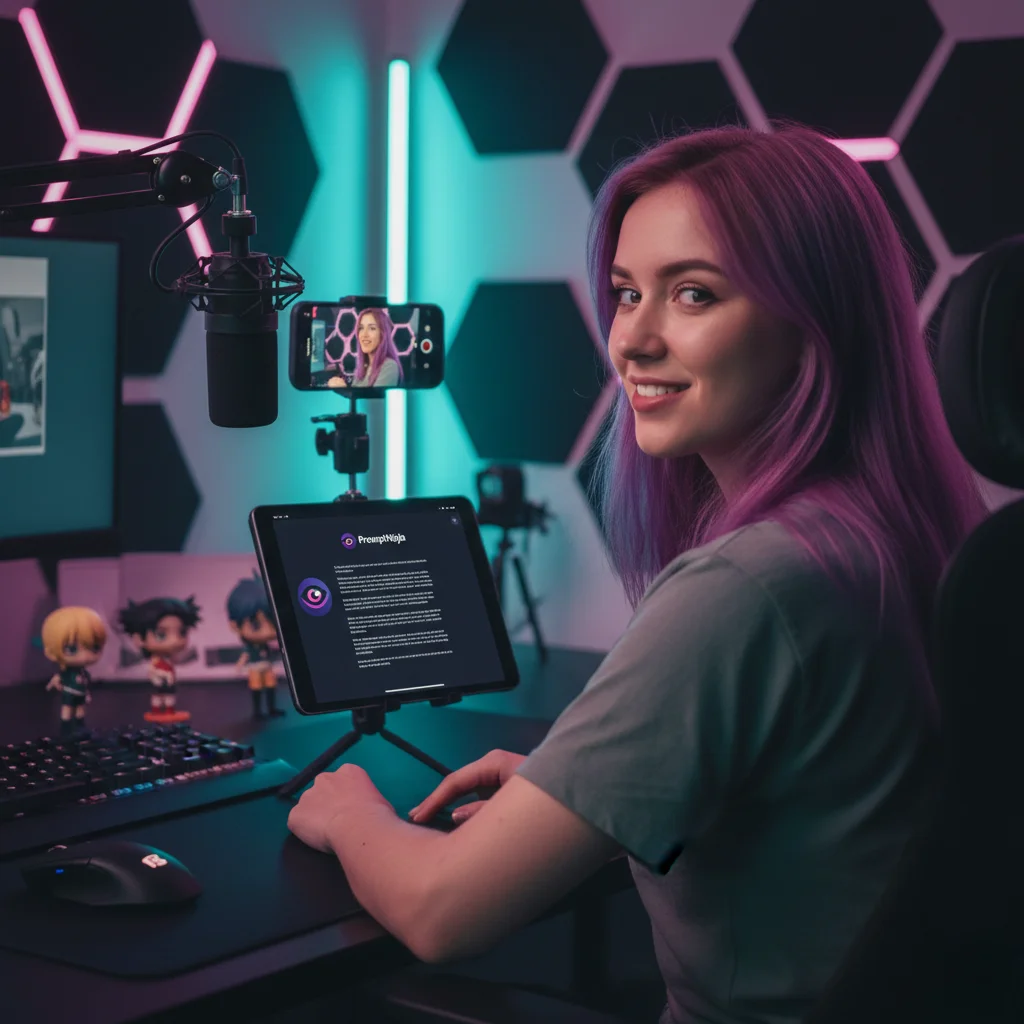
Now that you know what it is, how about using the most modern and easy digital teleprompter on the market? PromptNinja is free and ready to use.
"Save time and stutter less with PromptNinja."
Teleprompter Curiosities
What is a 'Presidential Teleprompter'?
Why called 'Teleprompter'?
Can I DIY one?
Ready to start?
Turn your device into a professional teleprompter right now.